Both the Large Language Models and our Chat interface, based on “Open WebUI” are still changing often. To provide you with latest information about these changes, I compiled this short article.
New models
You probably have read about GPT5 in the news, and the model is also available in our AITHYRA Chat as “gpt-5-chat-latest“. Please be aware, that this model is a “one-fits-all” approach, which is choosing the real model (gpt-5, gpt-5-mini, gpt5-nano) depending on your prompts. We are working on getting the real models as well, which will allow you to choose!
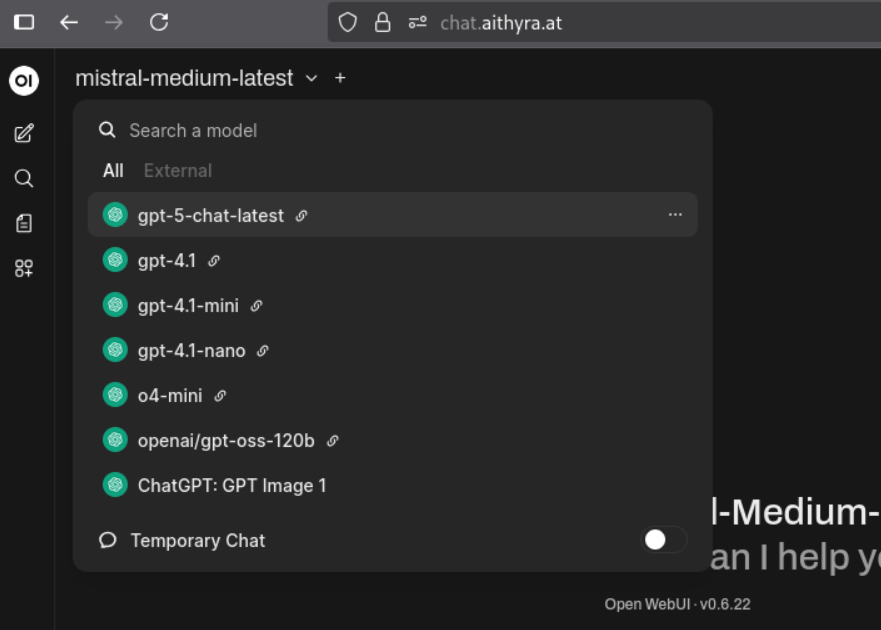
Another new model is the “openai/gpt-oss120b” model, which is an open-source model by OpenAI which allows us to run it on our own servers (in the near future). This not only means there are no additional API costs using it and most importantly all data stays local, which allows the model to be used for sensitive data. We’ll soon provide more local running models.
Chat GUI Changes
The latest version introduced one major interface change: a “guided response regeneration menu”.
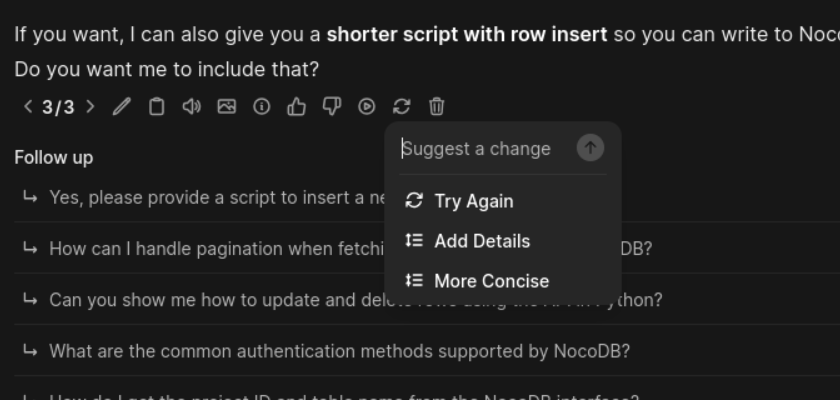
This could be helpful for some, but you can easily configure the “old” behavior, where it regenerates immediately.
Just click on your user-icon, select “Settings” and “Interface”. Now scroll to “Regenerate Menu” and disable it.
Now you can easily switch model and regenerate the response with a single click!
Prompting tips
We added some basic AITHYRA knowledge to AITHYRA Chat, which you can easily access by starting your chat with:
#AITHYRAIn this video I’m enabling the “AITHYRA Collection” which are the current documents from our homepage at OEAW as well some policies and other documents. You can chat with any model on this knowledge and ask different questions.
If you are lucky, they will tell you if they don’t know about something and not invent an answer!
You can also add a webpage by just adding:
#https://en.wikipedia.org/wiki/Michael_Bronstein
And ask a model to provide some information about this page.
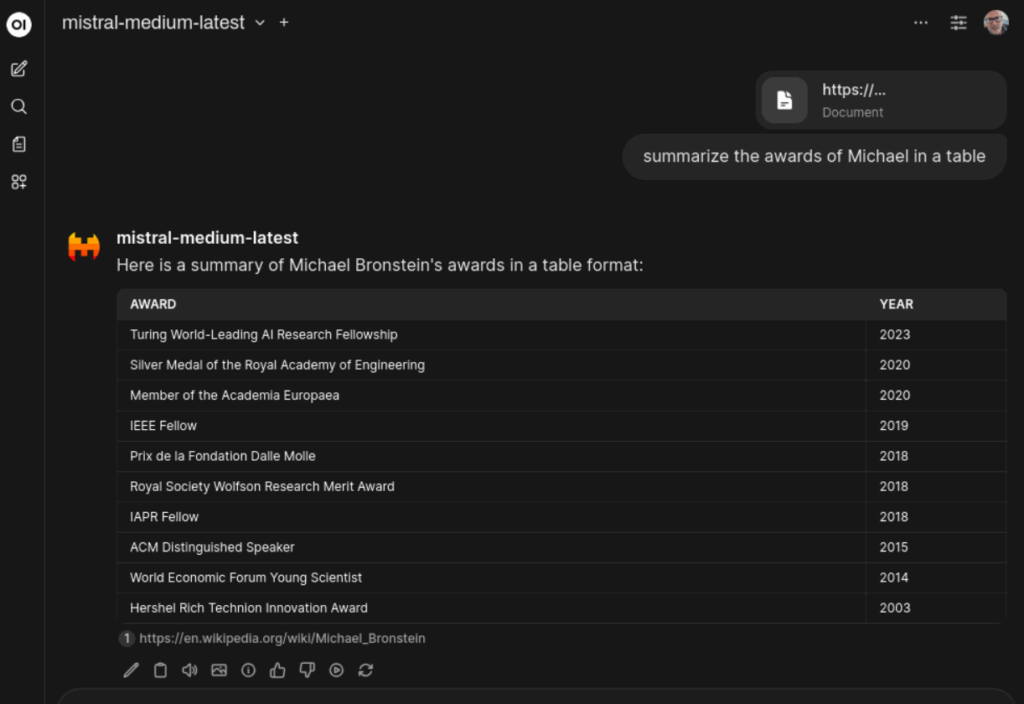
As some (many) pages are optimized to be viewed with a browser, this method does not always deliver reliable results, as they sometimes do not provide the text in a pure machine-readable format.
Alternatively you can use the Web-Search to get current information:
How to detect AI generated content
The Wikipedia people just published a very comprehensive article to find out if some content has been created with (Gen)AI.
https://en.wikipedia.org/wiki/Wikipedia:Signs_of_AI_writing
It’s an interesting article to find out if something you got sent is AI, but also provides information what to avoid if you use AI to help you with your documents!